
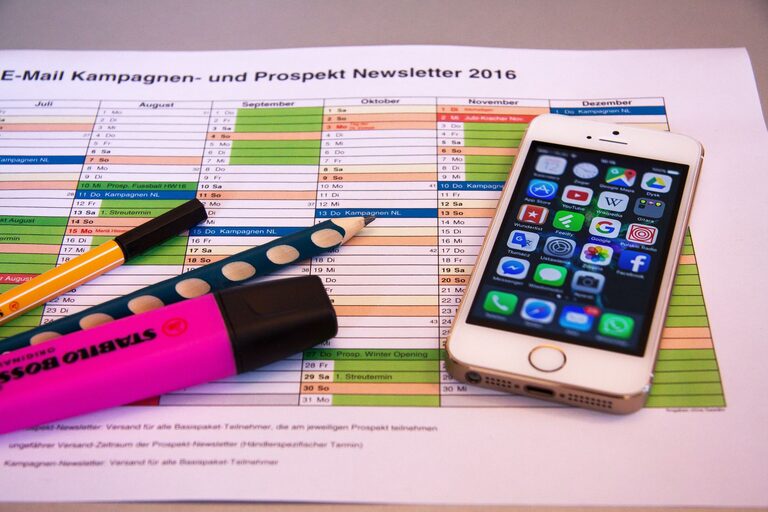
In today’s world, our digital devices often become cluttered with unnecessary files, apps, emails, and notifications. This digital clutter can cause stress, distract us, and slow down our devices. Fortunately, decluttering your digital life doesn’t have to be overwhelming. By following a few simple steps, you can create a more organized, efficient, and peaceful digital environment.
Why Declutter Your Digital Life?
Much like a cluttered room, a cluttered digital space can affect your mood and productivity. Some benefits of decluttering digitally include:
– Faster device performance
– Easier access to important files and apps
– Reduced stress and distractions
– More efficient use of storage space
– Improved focus on tasks
Step 1: Take Stock of Your Digital Space
Begin by understanding what digital “clutter” means for you. This could include:
– Old emails and unread messages
– Duplicate photos or videos
– Unused apps and software
– Download folders filled with forgotten files
– Excess browser tabs and bookmarks
Spend some time surveying your devices (phone, tablet, computer) and online accounts (email, cloud storage, social media). Make a note of areas you want to focus on.
Step 2: Organize Your Files and Folders
One of the best ways to clear clutter is by creating a logical file structure.
– Create folders and subfolders: Group similar documents such as work files, personal photos, receipts, or school materials.
– Use consistent naming conventions: For example, “2024_Taxes” or “Vacation_Photos_Jan2024” makes searching easier.
– Delete duplicates and unnecessary files: Use tools or apps to find and remove duplicate photos or files.
– Back up important data: Use cloud services or external drives to keep key documents safe.
Step 3: Clean Up Your Email Inbox
A cluttered inbox can be overwhelming, but cleaning it up can boost your productivity.
– Unsubscribe from unwanted newsletters: Use tools or manually unsubscribe to reduce incoming email noise.
– Create folders or labels: Sort important emails by categories like work, personal, bills, etc.
– Delete or archive old emails: Keep your inbox manageable by removing or archiving messages you no longer need.
– Set daily or weekly email review times: Regularly managing emails prevents buildup.
Step 4: Declutter Your Apps and Software
Unused apps take up storage and can slow down your devices.
– Review all installed apps: Delete apps you no longer use.
– Organize your apps: Group related apps into folders on your phone or desktop.
– Update regularly: Keep your apps updated for better performance and security.
– Limit notifications: Disable notifications from apps that aren’t important to reduce distractions.
Step 5: Manage Your Browser Tabs and Bookmarks
Too many open tabs or messy bookmarks can hurt your focus.
– Close unnecessary tabs: Try to keep only the tabs you truly need open.
– Use bookmark folders: Organize bookmarks by topic or priority.
– Remove old or unused bookmarks: Clear out bookmarks you no longer reference.
– Consider browser extensions: Tools like tab managers can help keep your browsing tidy.
Step 6: Secure and Simplify Your Passwords
Managing passwords is a crucial part of digital decluttering.
– Use a password manager: Securely store and organize passwords in one place.
– Update weak or repeated passwords: Strong, unique passwords improve security.
– Remove outdated accounts: Delete accounts you no longer use to reduce your digital footprint.
Step 7: Limit Digital Distractions
Reducing digital clutter isn’t just about organizing files—it’s also about minimizing distractions.
– Turn off non-essential notifications: This helps maintain focus throughout the day.
– Set screen time limits: Balance online time with offline activities.
– Use “Do Not Disturb” modes: Silence alerts during work or rest periods.
Maintaining a Decluttered Digital Life
Once you’ve decluttered, it’s important to maintain your digital spaces.
– Schedule regular cleanups: Weekly or monthly sessions prevent new clutter from building up.
– Adopt good digital habits: Delete files as soon as they become unnecessary.
– Stay mindful: Be conscious about the apps, subscriptions, and files you accumulate.
Conclusion
Decluttering your digital life is a rewarding process that can lead to increased focus, efficiency, and peace of mind. With just a bit of time and effort, you can create an organized digital space that serves your needs, rather than overwhelming you. Start small, tackle one area at a time, and enjoy the benefits of a tidier digital world.